Click Here to See How to Schedule a Report
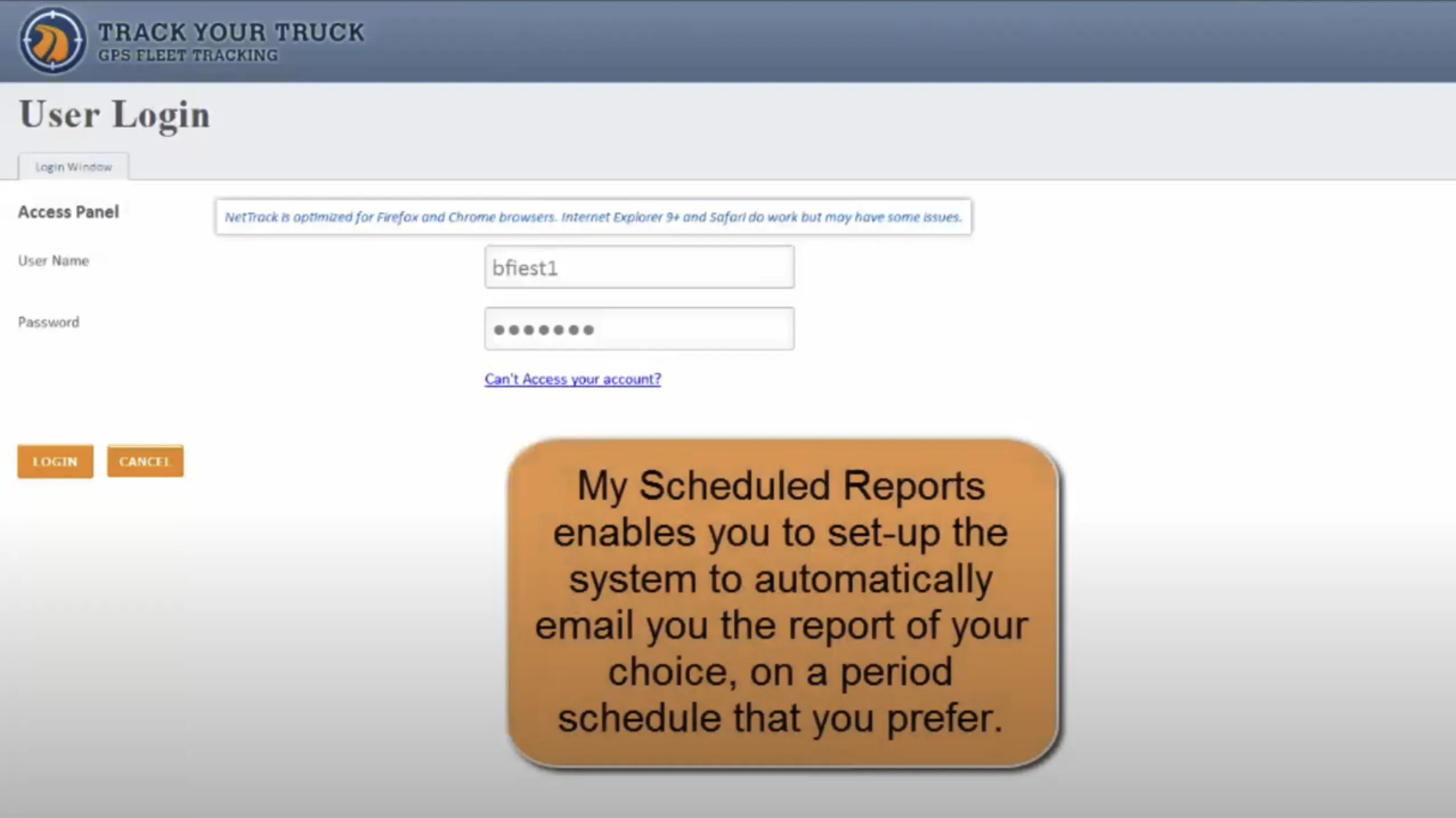
Track Your Truck’s powerful NetTrack GPS fleet tracking software offers detailed reporting that helps you improve your fleet operations. Advanced reporting tools allow you to monitor your vehicles via Google Maps, so you can track your trucks and drivers 24/7 from anywhere.
Historical information and analysis are a vital part of your day-to-day tracking services. Track Your Truck provides a wide array of reporting features to help you manage your fleet and make informed decisions based on vehicle patterns and events. View truck reports online, print them or export them for storage or inclusion into one of your applications. Reports can be downloaded in a variety of formats including popular Excel, Word and Adobe PDF. NetTrack is one of the most powerful fleet performance solutions available on the market today.
With NetTrack, you and your customers can gain valuable, actionable insights into your fleet’s overall performance. Knowing where vehicles are at all times gives customers a feeling of confidence and accountability that is critical for maintaining long-term relationships. Internally, tracking key performance indicators such as availability rate and cost per mile makes it much easier for you to make informed decisions about fleet management. You’ll be able to prioritize maintenance and resource allocation much more effectively, helping you improve the reliability of your fleet while keeping your costs manageable. This is especially helpful for smaller operators, as the simple, actionable metrics NetTrack delivers helps boost ROI and give them greater competitiveness.
It’s critical to utilize the latest GPS fleet tracking reporting technology to stay competitive in your industry and maximize your return on investment.

What are points? The point (geo-fence) feature allows you create and maintain addresses for repeat destinations, such as job sites, employee homes, offices, warehouses and routine stops. These locations are called Intelli-Status Points.
The Point Activity Report displays a single or several Intelli-Status Points and the activity associated with each point. View the point name, the date and time of arrival and departure, the truck identifier, the event (arrive or leave) and the amount of time spent at that particular point. You can select a single truck or all trucks, and a single location or all locations. By tracking the amount of time spent at each location, the Point Activity Report helps you minimize employee idle time.
NetTrack gives you the ability to track a wide range of metrics that enhance your decision-making capabilities for everyday tasks as well as long-term planning. With the ability to drill down as deeply as you want into the data and these key metrics, you can focus on the behaviors and procedures that are most influential for safety, fuel efficiency and maintenance costs. The Truck Activity Report provides a full overview of all fleet management performance metrics for each vehicle. Select as few or as many reports as you wish to view. You can produce a report on vehicle operation that includes total operating hours, total standstill time, total stop time and total miles. Optional reports include:
Because NetTrack stores up to a year’s worth of data, it’s much easier for you to identify patterns in routes and driver behavior. By seeing the historical trends up close, you’ll be able to spot inefficiencies such as excessive idling or suboptimal routes. This enables you to take action to correct any issues. In addition, cross-referencing historical data with maintenance logs means you can plan service more effectively and extend the life of your assets.
Another essential feature of NetTrack is its ability to provide real-time alerts. When you have immediate knowledge of drivers exceeding speed limits or idling too long, you can address any unsafe driving or fuel waste concerns faster and with greater efficacy. Geofencing ensures trucks remain within their approved areas, giving you instant notification if they stray outside those boundaries. NetTrack keeps you in the loop so you can prevent off-hours movement or unauthorized asset usage to promote stronger accountability and the security of your fleet.

NetTrack checks all the boxes for smaller fleets, with its easy-to-use interface, customizable reporting, and affordable plans. Track Your Truck combines reliable hardware with our intuitive software and U.S.-based support teams. Our strong customer service and warranties help you reduce downtime and maximize your investments as much as possible.
What’s the good of collecting data on commercial vehicle activity if you’re not able to analyze the information in an organized and timely fashion? Track Your Truck NetTrack GPS fleet management reporting provides a comprehensive system that reduces the time and effort you spend generating reports.
NetTrack has intuitive features designed to enhance your ability to better manage your mobile resources. We offer a variety of options in carrier-certified GPS units and are continually working to improve and expand our system capabilities.
Put your commercial fleet on the right path to success with GPS fleet tracking reports from Track Your Truck. From exceptional customer service and technical support to a full range of integrated technological solutions for advanced fleet monitoring and management, we’re the one-stop shop for all your reporting needs.